 Magyar
 English
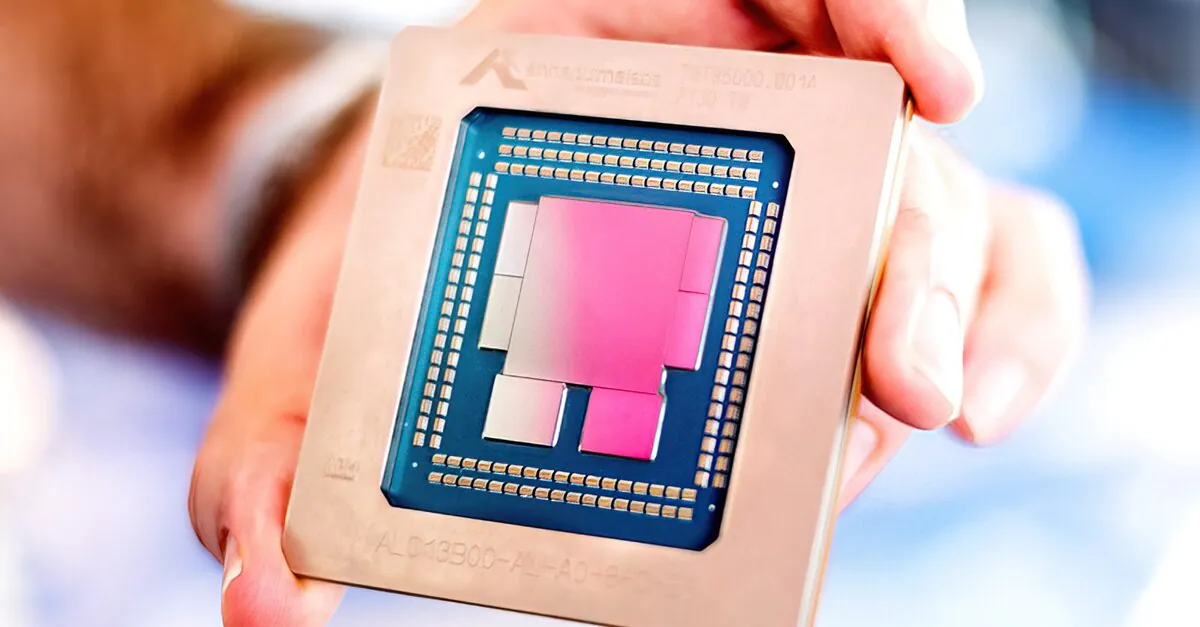
AWS beginners quickly discover that a few things are free, for example running a small virtual machine (EC2). For accounts created before 15 July 2025, this was the t2.micro (or, in certain regions, the t3.micro). The t2.micro provides 1 GiB of RAM and 1 vCPU, and new users could run one such VPS free of charge for 12 months. However, AWS restructured the Free Tier in July 2025: new customers receive $100 of credit when they sign up, which can grow by up to another $100 if they try out certain services. The free plan lasts for 6 months or until the credits run out (whichever comes first), and for EC2 the t3.micro, t3.small, t4g.micro, t4g.small, c7i-flex.large and m7i-flex.large types are eligible. Accounts created earlier stayed on the old 12-month scheme, whose free period has, naturally, expired for all of them by now.
Even after the free period ends, a t2.micro instance is cheap: in Frankfurt (eu-central-1) it costs $0.0134 per hour, so running it continuously costs roughly $10 a month. It is worth considering a switch to the t3a.micro type ($0.0108/hour), though, or to the t4g family, which uses AWS’s own ARM-based Graviton processor (t4g.micro: $0.0096/hour), as these are cheaper. Don’t forget that you also have to pay for the EBS volume (virtual disk) and for data transfer.
The problem with the T family is that it doesn’t give you a full CPU core. The T2, T3, T3a and T4g types (as well as the newest T8i and T9g) accumulate “CPU credits” while they run, at a rate that depends on their size. They spend the credits when the CPU load exceeds the baseline. And if the credits run out, you don’t get the full CPU.
One “CPU credit”, for example, entitles you to the following CPU performance:
- 100% of one core for 1 minute;
- 25% of one core for 4 minutes;
- 25% of two cores for 2 minutes;
- 10% of one core for 10 minutes.
A few examples
The t2.micro has 1 vCPU. According to the documentation, it earns 6 CPU credits per hour (each T type accumulates credits at a different rate: the larger it is, the faster). That means one CPU credit every 10 minutes, which conveniently simplifies the calculation.
So the “baseline” of the t2.micro is 6 credits / 60 minutes = 10%.
The baseline means that if we use the CPU at this level (so for a t2.micro at 10% CPU usage, which you can track on the CPU Utilization graph), we neither spend nor accumulate credits. When CPU usage is below 10%, we accumulate credits, but when it goes above, we spend them.
Another example:
The t2.small also has 1 vCPU, and it accumulates 12 CPU credits per hour. So the baseline of the t2.small is 12 / 60 = 20%.
In other words, at 20% CPU load a t2.small spends exactly as many credits as it accumulates. This is the baseline.
A t3.large (which has 2 vCPUs) accumulates 36 CPU credits per hour.
So the baseline of the t3.large is 36 / 60 / 2 = 30% per vCPU.
Let’s look at this in more detail
On a t2.micro EC2 instance, applications can use 10% of the CPU continuously, indefinitely, because the rate at which credits are earned equals the rate at which they are used. If your application causes a CPU load below 10%, the t2.micro accumulates credits faster than it spends them, so later you can also run with a load above 10% until all your credits run out.
CPU credits are accumulated and accounted for at millisecond resolution.
The number of credits an instance can accrue equals the number of credits it can earn in 24 hours. For example, the maximum CPU credit balance of a t2.micro is 144 credits, while a t3.large can accumulate 864 credits. On a running instance, accrued credits don’t expire; when the instance is stopped, T2 loses them, but the T3, T3a and T4g types (as well as T8i and T9g) keep the balance for 7 days.
What if you need more CPU than the baseline?
This “burstable” CPU capacity is fine for many use cases, especially for EC2 servers that are idle most of the time and only have short load peaks. If there are enough credits, the virtual machine can even use 100% of the CPU capacity for a while.
But what happens if the CPU credits have run out? Switching to a larger instance type requires several minutes of downtime. But it is possible to buy additional credits.
- In STANDARD MODE (when Unlimited mode is disabled – this is the default for T2), as the credits are used up, CPU performance gradually drops back to the baseline, and once the credits have run out, it can’t exceed it at all.
- In UNLIMITED MODE (this is the default setting for T3, T3a, T4g and the newer T families), once the credits have run out, the instance can use so-called surplus credits. It “pays these back” from the credits it accumulates later, at loads below the baseline; whatever isn’t recovered, AWS bills at a separate rate: for Linux, $0.05 per vCPU-hour for T2 and T3 types, and $0.04 for T4g.
- T2, T3, T3a and T4g instances support both Standard and Unlimited mode. Unlimited mode can be switched on and off at any time, on a running or a stopped instance, without interrupting the application or the operating system.
Let’s compare the costs. We assume that a Linux instance runs in the eu-west-2 (London) region and uses the CPU at 100% all the time:
- m6i.large (2 vCPUs, 8 GiB RAM) – $0.1110 / hour; for this we get a dedicated CPU, so we can run it at 100% continuously.
- t3.large (2 vCPUs, 8 GiB RAM) – $0.0944 / hour, with a 30% CPU baseline. On top of this: 70% × 2 vCPU × $0.05 per vCPU-hour (= $0.07). So in total, $0.1644 / hour.
As you can see, with this kind of usage the t3 costs almost one and a half times as much as the m6i type. (The prices are unchanged in November 2026 as well; according to the AWS documentation, a T3 running continuously at 100% costs roughly 1.5 times as much as an M5 of the same size.)
CPU load is usually higher at launch
When an EC2 instance is first launched, the CPU load is usually higher than average (all kinds of system processes and applications have to start). That is why T2 instances launched in Standard mode receive launch credits (30 extra credits per vCPU, at no extra cost), which allow 100% CPU load for a little over 30 minutes at launch before the CPU is throttled back to the baseline.
However:
- T2 instances launched in Unlimited mode don’t receive launch credits.
- T3, T3a and T4g instances (as well as T8i and T9g) don’t receive launch credits at all. By default they launch in Unlimited mode, so they can exceed the baseline right at launch; if they do so for a sustained period, you have to pay for the surplus credits.
In Unlimited mode, surplus credits cost nothing if the instance’s average CPU load over a rolling 24-hour period (or over the instance’s entire lifetime, if that is shorter) doesn’t exceed the baseline. For example:
- A t2.micro instance runs at 100% CPU load in the first hour, then at an average load of 5% for the rest of the day.
- In 24 hours, it earns 144 CPU credits.
- In the first hour it spends 60 CPU credits, and in the remaining 23 hours 3 per hour (69 in total). So in total it has spent 129 credits.
- Since it earned more in the 24 hours than it spent, you don’t have to pay for the initial spike in CPU usage.
If, however, in the same example the CPU load were 100% for 2 hours (starting from a zero balance):
- In the first 2 hours it spends 120 CPU credits and earns 12, so it accrues 108 surplus credits.
- At a 5% load it earns 6 credits per hour and spends 3, so it “pays back” 3 credits per hour; paying back the 108 credits would take 36 hours.
- Since the 108 surplus credits don’t exceed the maximum a t2.micro can earn in 24 hours (144), the accrued surplus is not billed immediately.
- You have to pay for the surplus credits not yet paid back if you stop or terminate the instance, if you switch it to Standard mode, or if the surplus exceeds 144 credits (in which case the excess is billed at the end of the hour). One credit is one vCPU-minute, so the full 108 credits correspond to 1.8 vCPU-hours, that is, at most $0.09.