 Magyar
 English
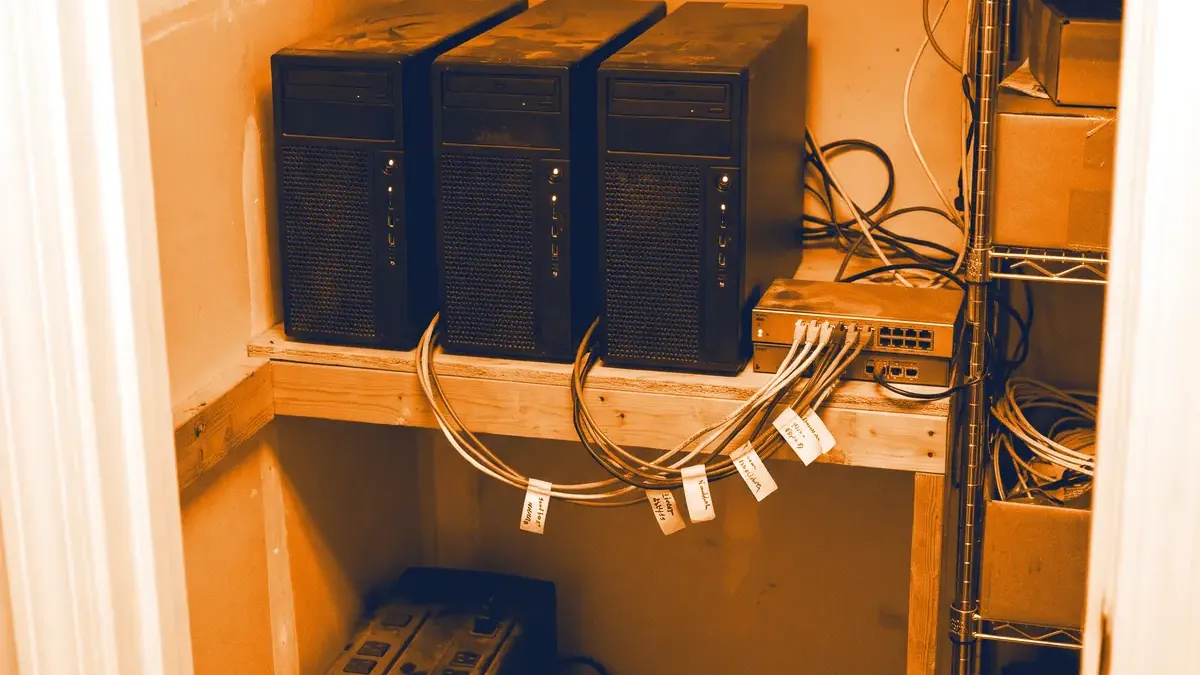
A single virtualisation server is simple and cheap, but if a motherboard or a power supply fails, every machine running on it stops until someone replaces the part. A Proxmox HA cluster is the answer to this: if a node fails, the virtual machines and containers running on it start automatically on another node within a few minutes, without human intervention.
In this article, based on Proxmox VE 9, we summarise what a working HA cluster needs, how the cluster decides which node is “alive”, and what compromises a two- or three-server setup involves for a smaller company.
Cluster and HA: not the same thing
A Proxmox VE cluster means managing several nodes together: you see all the servers from one interface, the configuration is kept in sync on every node (in the /etc/pve file system), and you can migrate machines between nodes. HA (high availability) builds on this: the cluster watches the machines added to HA, and if their node fails, it restarts them elsewhere.
Important: HA is not live mirroring. The machines of a failed node are restarted, so the contents of their memory are lost, and according to the Proxmox documentation, detecting the failure and failing over typically takes about two minutes. For a web server or an internal application this is plenty; anything with stricter requirements has to be handled at application level (for example with database replication).
Quorum: why do you need at least three votes?
The nodes of the cluster communicate using software called Corosync, and every node gets one vote. The cluster only makes decisions (starts a machine, changes configuration) if a majority of the votes – the quorum – is available.
This prevents the most dangerous situation: if two nodes merely can’t see each other (for example the network between them is cut) but both are running, they mustn’t start the same machine from the same disk at the same time. That would lead to data corruption. With three nodes, the side that sees at least two votes carries on; the node left on its own does nothing.
| Number of nodes | Quorum | Nodes that can fail |
|---|---|---|
| 2 | 2 | 0 |
| 2 + QDevice | 2 (out of 3 votes) | 1 |
| 3 | 2 | 1 |
| 4 | 3 | 1 |
| 5 | 3 | 2 |
That is why HA needs at least three votes, and why four nodes are no better than three in terms of fault tolerance.
Fencing: what happens to the failed node?
Before the cluster starts a failed node’s machines elsewhere, it has to be sure that they are definitely no longer running on the old node. This is called fencing. Proxmox VE does this with a watchdog: every node running HA machines keeps “feeding” the watchdog as long as it has quorum. If it loses quorum, the watchdog reboots the node after about 60 seconds. If there is no hardware watchdog, Linux’s built-in softdog module is used instead.
What storage do you need?
For HA, the machines’ disks have to be reachable from another node as well. Three common solutions:
| Solution | How does it work? | Advantage | Disadvantage |
|---|---|---|---|
| Ceph (hyperconverged) | Distributed, replicated storage built from the nodes’ own disks | No separate storage array, no data loss when a node fails | At least 3 nodes, a fast network (10 Gbit/s or faster), more disks |
| Shared network storage (NFS, iSCSI) | A separate storage device that every node can reach | Simple, familiar | The storage itself is a single point of failure if it isn’t redundant |
| ZFS replication | Scheduled copying between the nodes’ local ZFS volumes | Cheap, no shared storage needed | Asynchronous: data written since the last sync can be lost |
ZFS replication is attractive in a smaller environment, but you need to know that after a failure, the machine restarts from the last replicated state. If replication runs every 15 minutes, up to 15 minutes of data can be lost. For a file server or a web server this is often acceptable; for an invoicing database, less so.
Shared storage doesn’t replace backups, by the way: if someone deletes a file, replication dutifully copies that too. We wrote about disk redundancy in our article on RAID levels.
Network
Corosync doesn’t need bandwidth; it needs low and stable latency: the documentation asks for less than 5 ms. This is what we recommend:
- a separate network port for Corosync; 1 Gbit/s is enough,
- a second Corosync link on another physical network, as a fallback,
- with Ceph, a separate, fast network for storage traffic, so that a large backup or migration doesn’t choke cluster communication.
If Corosync shares a port with backup traffic, the nodes can lose each other during a nightly backup, and HA may restart machines unnecessarily.
Two servers and a QDevice
For many smaller companies, three servers seem excessive. Proxmox’s answer to this is the QDevice: a service running on a small external machine (even a Raspberry Pi or an existing Linux server) that provides the third vote but doesn’t run virtual machines.
# On the external machine (Debian):
apt install corosync-qnetd

# On both Proxmox nodes:
apt install corosync-qdevice

# On one of the nodes:
pvecm qdevice setup 192.168.10.5
With two nodes, storage is the question: Ceph requires at least three nodes, which leaves ZFS replication or shared storage. The ZFS replication variant is the cheapest real HA you can build – with the data loss compromise described above.
Creating the cluster and setting up HA
You create the cluster on the first node and add the others to it. It is worth sorting out the network and name resolution (/etc/hosts) first, and checking time synchronisation.
# On the first node, with a separate Corosync network:
pvecm create company-cluster --link0 10.10.10.1

# On the other nodes:
pvecm add 10.10.10.1 --link0 10.10.10.2

# Status:
pvecm status
After that, you can add the machines to HA, in the web interface (under HA in the Datacenter view) or from the command line:
ha-manager add vm:100 --state started
ha-manager add ct:200 --state started
ha-manager status
In Proxmox VE 9, instead of the old HA groups, affinity rules control where machines can run: node affinity says on which nodes, and resource affinity says that certain machines should run together or on separate nodes. For example, it is worth separating two redundant domain controllers or DNS servers with a “separate” rule, so that the failure of one node doesn’t take both down. We wrote about the new features in our article on the release of Proxmox VE 9.
Maintenance
Before upgrading a node, switch it to maintenance mode; the HA machines are then live-migrated to the other nodes, and come back afterwards:
ha-manager crm-command node-maintenance enable pve2
# upgrade, reboot
ha-manager crm-command node-maintenance disable pve2
When is an HA cluster worth it?
- It is worth it if a server being down for a day causes serious damage, and you have no service contract that brings a replacement part within hours.
- It is worth it if you run many machines and want to do updates without downtime.
- It isn’t necessarily worth it if you have one or two less critical machines; there, a good backup and a tested restore plan are often cheaper and simpler.
We wrote about why we think Proxmox VE is the best choice for smaller companies in this article. We help with designing, building and running Proxmox clusters; you can read more on our Infrastructure and operations page.