 Magyar
 English
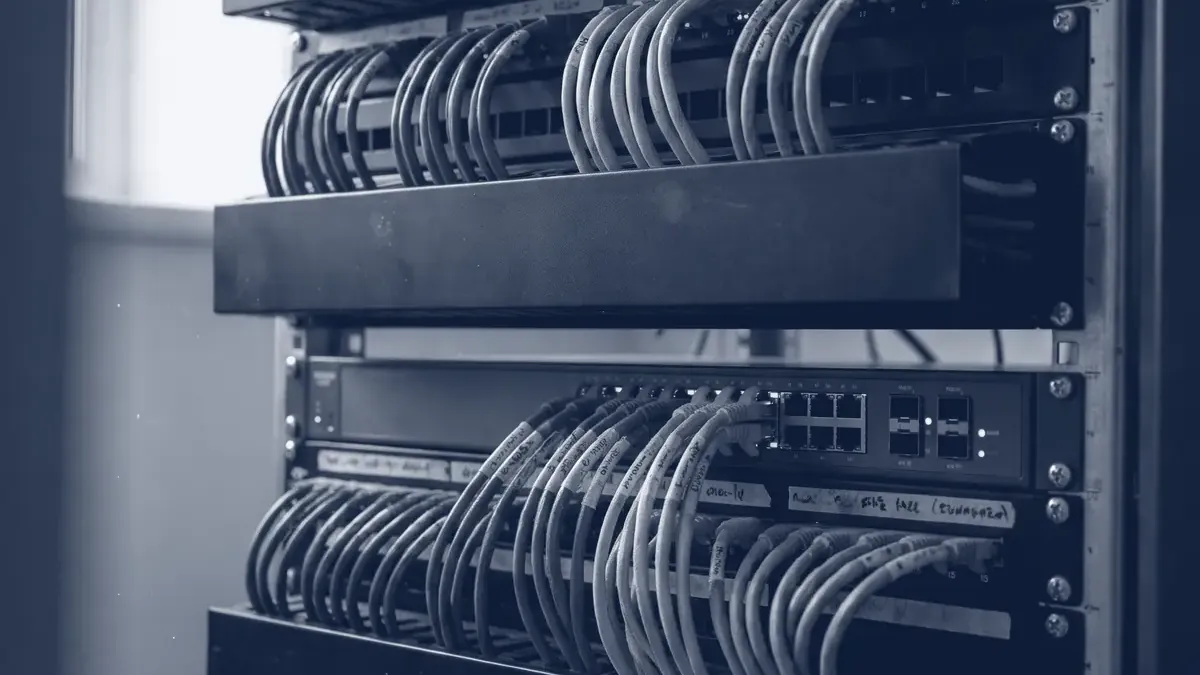
When you configure the network on a server, two settings always go together: the IP address and the subnet mask. The mask tells you which part of the address identifies the network and which part identifies the device – in other words, which machines the host can talk to directly, and when it has to turn to the gateway.
In this article we summarise how an IPv4 address is structured, how the mask relates to the CIDR prefix (for example /24), and how to plan subnets for an office, a server room and a cloud VPC.
The structure of an IPv4 address: network and host parts
An IPv4 address is a 32-bit number, written as four numbers between 0 and 255 separated by dots (for example 192.168.10.37). Each number represents one byte, that is, 8 bits. The address has two parts:
- the network part identifies the subnet, and it is the same for every machine in that subnet,
- the host part distinguishes the devices within the subnet.
The address on its own doesn’t tell you where the boundary between the two lies; for that you need the mask. In the past, address classes (A, B, C) fixed this boundary; we wrote about them in more detail on the blog of our hosting brand, aWh. Since 1993 the classes have been replaced by the more flexible CIDR (Classless Inter-Domain Routing), and today only the prefix matters.
The subnet mask and the CIDR prefix
The subnet mask is also 32 bits: it starts with ones (these mark the network part), followed by zeros (the host part). CIDR notation simply counts the ones. In binary, the mask 255.255.255.192 is 26 ones and 6 zeros, so it is the same as /26.
Let’s look at the address 192.168.10.37/26:
| Binary (last byte) | Decimal | |
|---|---|---|
| Address | 00100101 |
192.168.10.37 |
| Mask | 11000000 |
255.255.255.192 |
| Network address (address AND mask) | 00000000 |
192.168.10.0 |
| Broadcast address (all host bits 1) | 00111111 |
192.168.10.63 |
So the network is 192.168.10.0/26, and the assignable addresses run from 192.168.10.1 to 192.168.10.62, which is 62 addresses. The first (network) and the last (broadcast) address are traditionally not assigned to a host.
Table of common prefixes
| Prefix | Subnet mask | Number of addresses | Assignable | Typical use |
|---|---|---|---|---|
| /16 | 255.255.0.0 | 65,536 | 65,534 | The range of a whole site or VPC |
| /20 | 255.255.240.0 | 4,096 | 4,094 | Larger cloud subnet |
| /22 | 255.255.252.0 | 1,024 | 1,022 | Large office or Wi-Fi network |
| /23 | 255.255.254.0 | 512 | 510 | Medium-sized office |
| /24 | 255.255.255.0 | 256 | 254 | One VLAN, a small office |
| /25 | 255.255.255.128 | 128 | 126 | Half a /24, server segment |
| /26 | 255.255.255.192 | 64 | 62 | Servers, management network |
| /27 | 255.255.255.224 | 32 | 30 | Small segment, DMZ |
| /28 | 255.255.255.240 | 16 | 14 | Small public block from a provider |
| /29 | 255.255.255.248 | 8 | 6 | A few public addresses |
| /30 | 255.255.255.252 | 4 | 2 | Point-to-point link between two routers |
| /31 | 255.255.255.254 | 2 | 2* | Point-to-point link (RFC 3021) |
| /32 | 255.255.255.255 | 1 | 1* | A single host (firewall rule, route, loopback) |
* /31 and /32 are special cases: there is no separate network and broadcast address.
To work it out in your head, one rule is enough: each prefix that is one bit shorter doubles the number of addresses, and the number of assignable addresses is 2^(32 − prefix) − 2.
Private address ranges (RFC 1918)
RFC 1918 reserves three ranges for internal networks. They are not routable on the internet, and anyone can use them freely:
| Range | CIDR | Number of addresses |
|---|---|---|
| 10.0.0.0 – 10.255.255.255 | 10.0.0.0/8 | approx. 16.7 million |
| 172.16.0.0 – 172.31.255.255 | 172.16.0.0/12 | approx. 1 million |
| 192.168.0.0 – 192.168.255.255 | 192.168.0.0/16 | 65,536 |
Don’t use the 100.64.0.0/10 (carrier-grade NAT, RFC 6598) or the 169.254.0.0/16 (link-local) range for an internal network.
Planning subnets: office, servers, VLANs
Even at a small company it pays to separate the network by function, with one subnet per VLAN. That way you can control on the firewall who can reach what. A typical plan from the 10.20.0.0/16 range:
| VLAN | Subnet | Assignable | What for? |
|---|---|---|---|
| 10 – office | 10.20.10.0/24 | 254 | Workstations, printers |
| 20 – servers | 10.20.20.0/24 | 254 | Virtual machines, applications |
| 30 – management | 10.20.30.0/26 | 62 | IPMI/iLO, switches, hypervisor management interfaces |
| 40 – guest Wi-Fi | 10.20.40.0/24 | 254 | Internet only, no internal access |
| 50 – cluster | 10.20.50.0/28 | 14 | Cluster communication, storage traffic |
A few rules that work well:
- Leave room for growth. If you put the VLAN number in the third byte, the plan is easy to read and to extend. Document the allocation, for example in NetBox.
- Avoid the
192.168.0.0/24and192.168.1.0/24ranges. Almost every home router uses them, so when someone connects from home over VPN, they clash with the company network. - Cluster and storage traffic deserves its own subnet. In a Proxmox cluster this is a precondition of stable operation; we wrote about it in our article on the Proxmox HA cluster.
Subnets in the cloud
You also have to plan subnets in a cloud virtual network (VPC), but the providers reserve more addresses than traditional networks do.
AWS: a subnet can be between /16 and /28, and according to the documentation five addresses are reserved in every subnet. In a 10.0.0.0/24 subnet these are .0 (network address), .1 (VPC router), .2 (DNS), .3 (reserved for future use) and .255. So in a /28 subnet only 11 addresses remain instead of 16.
Google Cloud: four addresses per subnet are reserved (the network address, the gateway, the second-to-last and the last address), and the smallest subnet is /29. We wrote about when Google Cloud is a good choice for a small company, and which European region to pick, in an earlier article.
In the cloud, the most important thing is that the ranges don’t overlap: this is a requirement if you later connect the VPC to the office over VPN, or to another VPC via peering. We give each environment (production, test, office) its own /16.
Tools: ip addr, ipcalc, Python
On Linux you can see the configured address and prefix with the ip command:
ip -br addr show
# eth0   UP   192.168.10.37/26
ip route
# default via 192.168.10.1 dev eth0
# 192.168.10.0/26 dev eth0 proto kernel scope link src 192.168.10.37
ipcalc (on Debian and Ubuntu in the package of the same name) calculates the network, the broadcast address and the assignable range:
ipcalc -b 192.168.10.37/26
If it isn’t at hand, Python’s built-in ipaddress module is enough too, for example to split a /22 into /24s:
python3 -c "import ipaddress; print(*ipaddress.ip_network('10.20.0.0/22').subnets(new_prefix=24))"
# 10.20.0.0/24 10.20.1.0/24 10.20.2.0/24 10.20.3.0/24
Common mistakes
- Different masks on the same subnet. If one machine is set to
/24and the other to/16, packets go directly in one direction and via the gateway in the other, and the connection works oddly, only partially. - The gateway isn’t in the subnet. In a
/26network,.65is already an address in another subnet. - Misaligned range.
10.20.1.0/23is not a valid network address; the correct one is10.20.0.0/23. Some devices return an error in this case, others silently rewrite it (the AWS API, for example, to the canonical form), and the firewall rule or route then applies to a different range than you thought. - Clash with the container network. By default Docker uses
172.17.0.0/16and further parts of172.16.0.0/12; if the company network is also there, the hosts running containers can’t reach some servers.
We help with planning and building networks, VLANs and cloud VPCs; you can read more on our Infrastructure and operations and Cloud and DevOps pages.